BLACK OPS / BLACK OPS II / PLAYSTATION 4
A guide to the RTM tool
Connection
| Game | Build |
|---|---|
| Black Ops | CUSA57547DDL 100 |
| Black Ops II | CUSA57548DDL 244 |
Both target builds were captured on 2026-11-02. The tool detects the running game and verifies its build before enabling writes. Switching games selects the matching stats, limits, classes, and unlock rules, and clears incompatible staged edits and class tabs.
Jailbreak host: open ps4.exliation.dev in the PS4 browser. It loads GoldHEN v2.4b18.14 on firmware 13.52, 14.00 and 14.02.
- On the PS4, open ps4.exliation.dev, leave ps4debug payload ticked under Load options, and pick Load via exileslop (or Load via Public Webkit). Wait for the JAILBROKEN screen; repeat after every reboot.
- Put your PC and PS4 on the same network. Keep GoldHEN's BinLoader (port
9090) enabled. - Open BO1 or BO2 multiplayer with the account you want to edit. Stay in a lobby or menu.
- Extract the RTM ZIP and launch
exliation-rtm.exe. If it does not connect automatically, enter the PS4 IP in Connection and select Connect & read, or use Find PS4. - The tool always starts on Connection. After switching games, check the detected title and let the new profile read before editing.
Missing ps4debug is installed automatically through BinLoader; its default port is 744. After a failed payload launch, restart the PS4, reload GoldHEN, then select PS4 restarted before retrying.
RTM Feature List
- Unlocks
- Everything sets the game's maximum level/prestige and supported purchases.
- BO1 covers pro perks, attachments, cosmetics, clan features, and emblems; BO2 adds weapon XP/challenges and prestige 2 for 39 supported weapons.
- Currency and class selections are preserved.
- Currency
- Edit BO1 COD points in Stats.
- BO2 has a separate Write tokens action, up to a balance of 255.
- Weapon prestige and unlock tokens are BO2-only.
- Stats
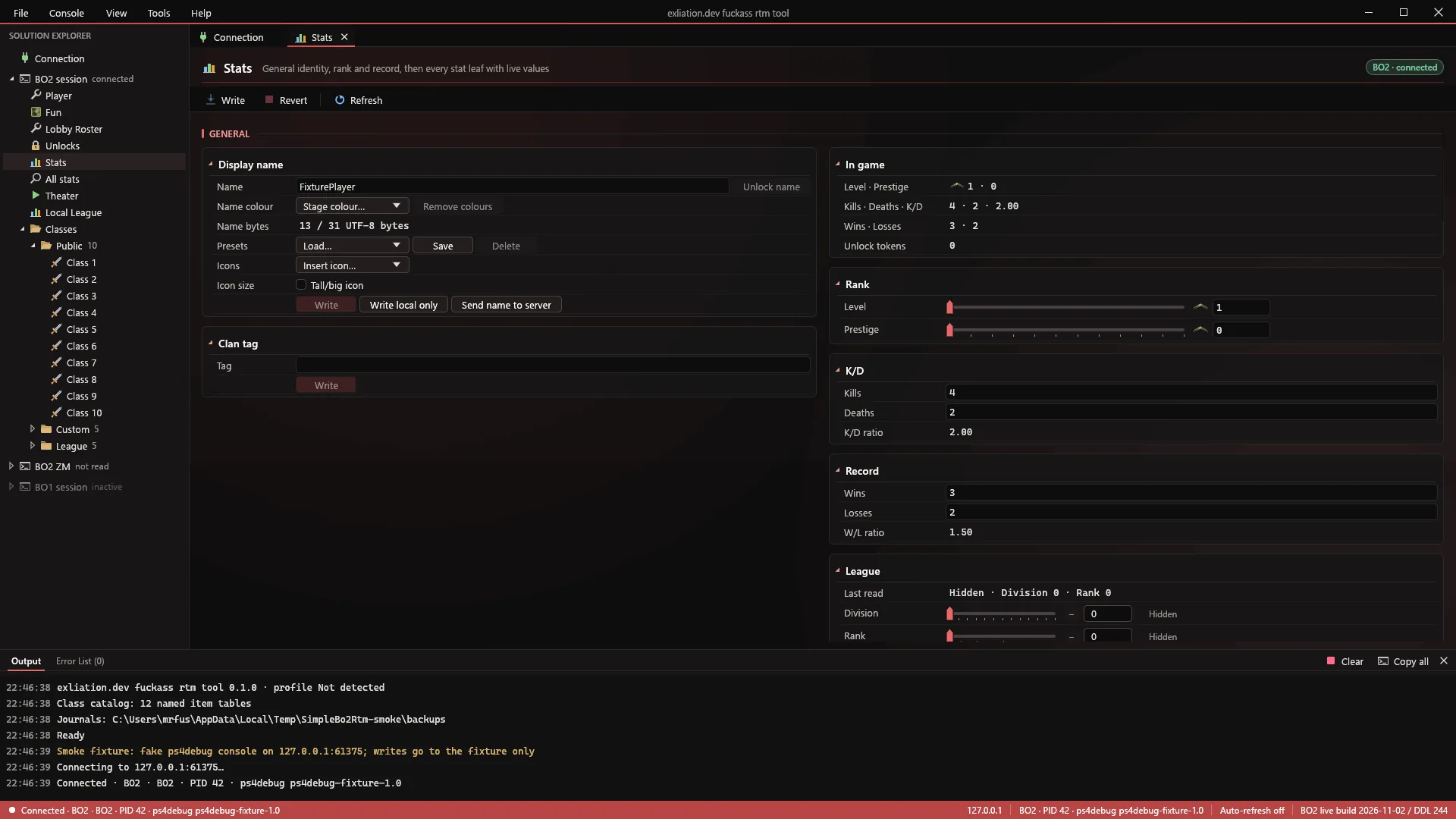
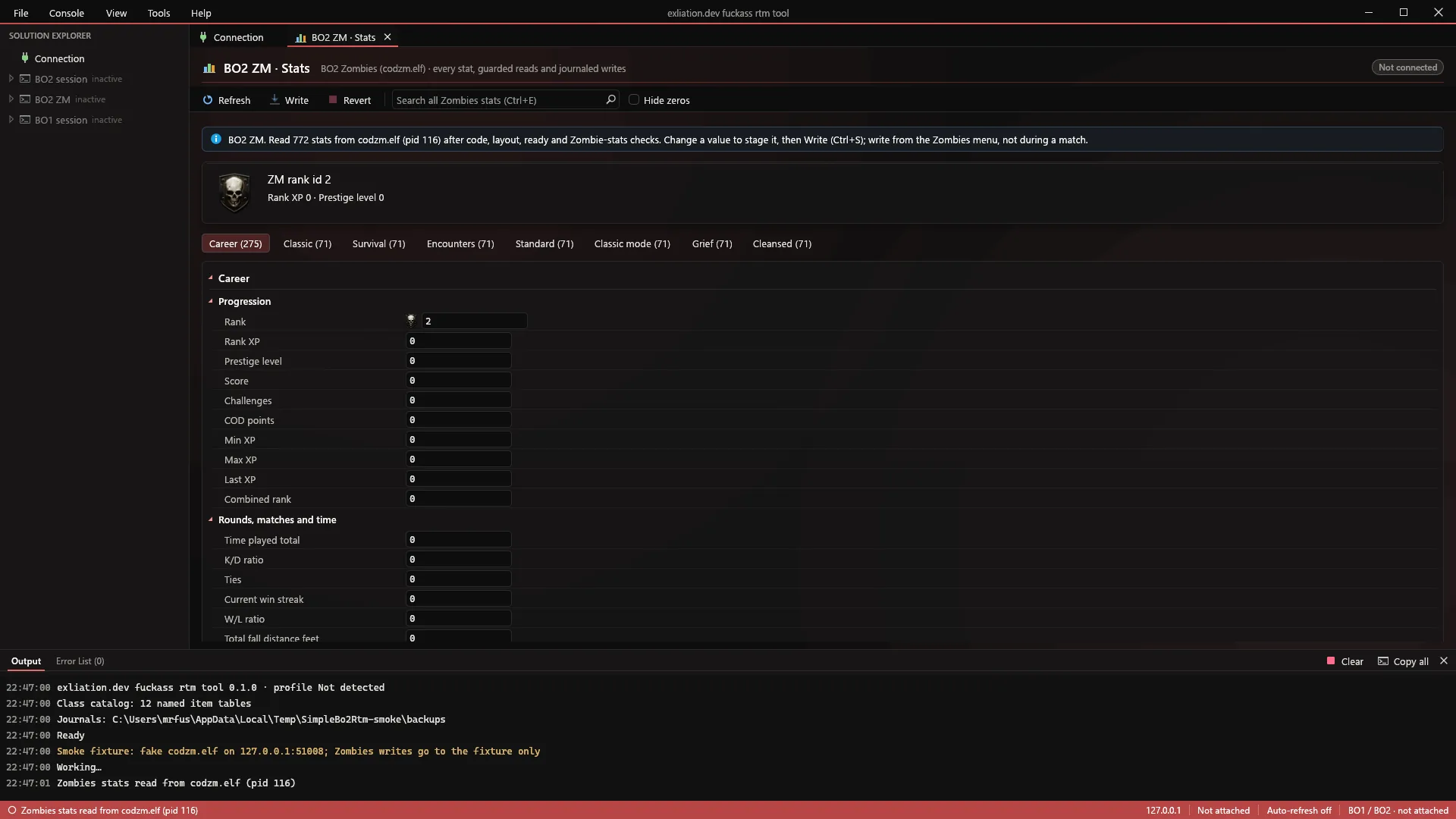
- Edit rank, prestige, kills, deaths, wins, and losses, plus BO2 weapon prestige.
- Values are limited by field storage, not gameplay caps; levels above the rank table retain maximum XP.
- Player
- Edit display name (up to 31 bytes) and clan tag (up to 4 bytes), with saved presets and button-icon tokens.
- Colour codes and symbols are accepted; BO1 tags exclude quotes and line breaks.
- Names are local-player overrides, not PSN changes, and last until restored or the game restarts.
- Fun
- Rainbow and typewriter name animations, shared name presets, and a configurable prestige cycle.
- Effects stop on error or disconnect.
- Randomization
- Choose categories and ranges, then Generate selected.
- Covers combat, medals, progression, 20 BO1 / 24 BO2 modes, weapons, attachments, and score/killstreak kills and uses.
- Review Pending changes, then Write or Revert; currency, identity, and unlock progress are excluded.
- All stats
- Search 312 BO1 / 770 BO2 profile variables plus captured DDL fields.
- Check Properties before editing; identity and system fields remain read-only.
- Classes
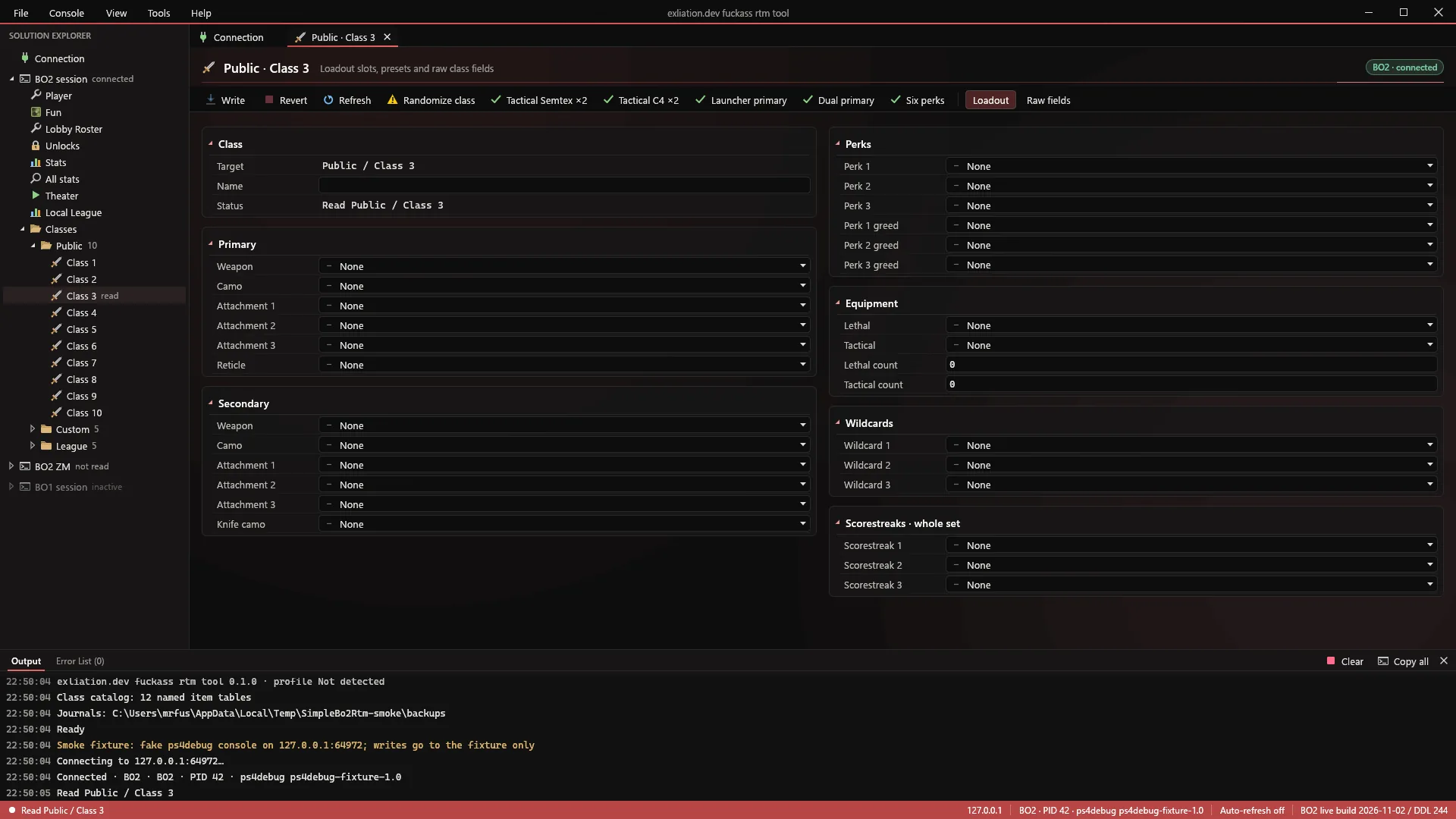
- BO1 has 10 public/prestige classes; BO2 has 10 public, 5 custom-game, and 5 league classes.
- Edit loadouts, class names, or Raw fields. Write also saves changed BO1 class names.
- Shared streak choices affect the whole set.
- BO1 / BO2 offhost menu
- A bundled controller-operated menu with aim, player and world visuals, movement, Self Recovery and roster tools.
- Shares most features across both games. See the menu features below.
BO1 / BO2 offhost menu
A client-side menu for Black Ops and Black Ops II multiplayer, shown below side by side; rows marked BO1 exist only in Black Ops.
- Load GoldHEN with its plugin loader enabled.
- Install the menu: Load SPRX on this page from the PS4, or Tools → Inject menu… in the RTM tool from a PC.
- Close and relaunch the game, then open the menu with the bind below.


Preview renders from the menu's PC test build on a plain backdrop, not console captures.
SPRX Off-host Feature List
Donations
Want to support the tool? Crypto donations are welcome.
LM3EknLJ79yyu1QAEeRChSmXwHxCgb8X1M
bc1qc55nn5q0fdvfq6hhv88nf2tvgnhdt7ey0nhuc5
0xA5D6bf7A2529dA439D98FD06AA6b1A44745a21Ed